Everyone can read, write & be heard.
- Google for Education Partner
- WCAG AA
- FERPA
- COPPA
- GDPR
- EU-U.S. Data Privacy Framework
Trusted by over 25,000 schools and more than 2 million users
















Students can have any webpage or app content read aloud in their choice of natural-sounding voice. Teachers can add read aloud to assessments in Google Forms and presentations in Google Slides.
Students can translate any webpage or app content into text or speech in 60+ languages. Teachers can record voice notes with translatable transcription and control the number of translations students can use.
Students can turn spoken words into written text in over 60+ languages, with automatic punctuation. Teachers can
Students can listen and respond to voice notes left on classwork or assignments. Teachers can record and embed voice notes across Google apps and on an online recorder.
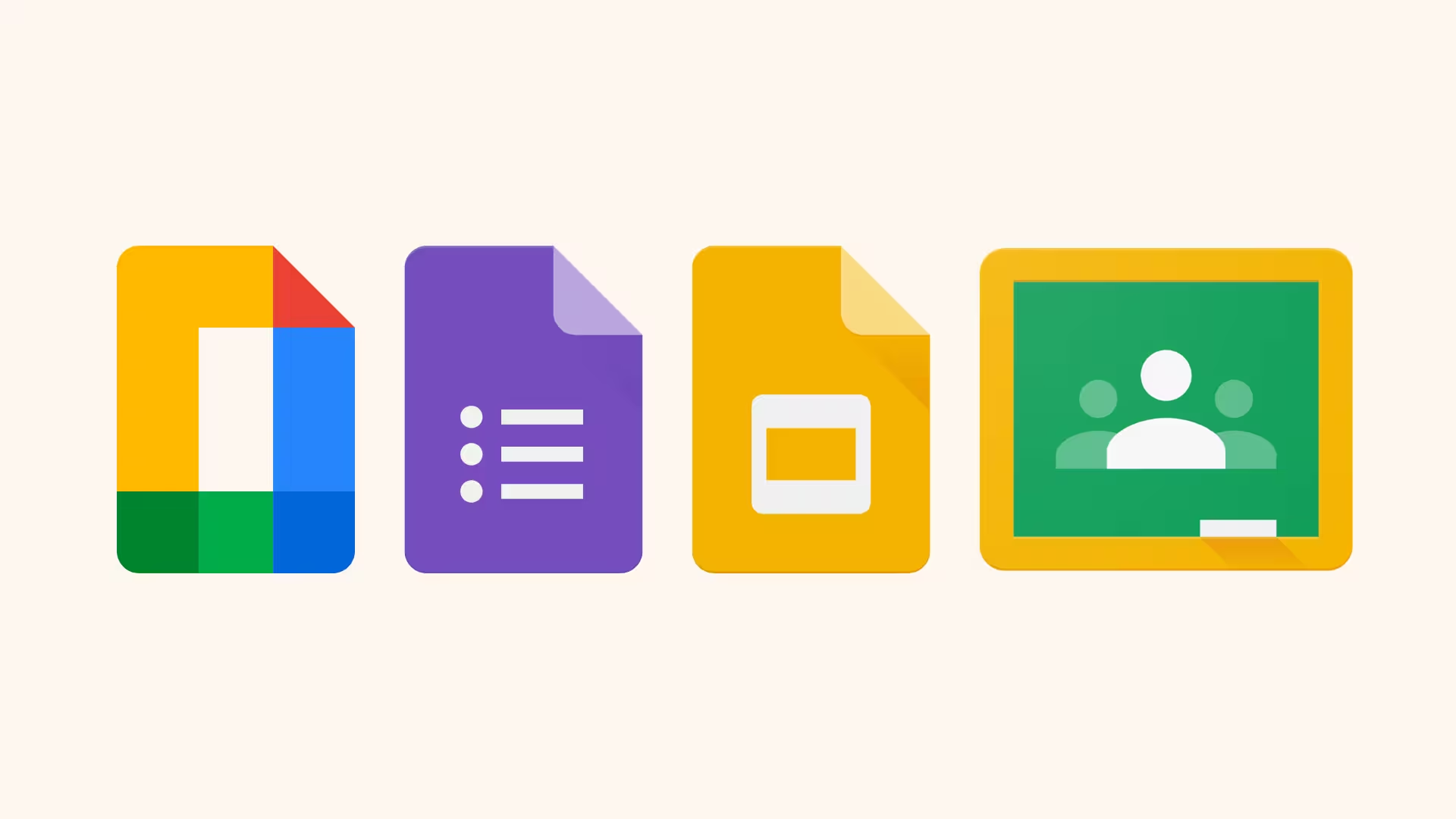
Mote is designed from the ground up to complement Google Workspace for Education apps, including Read Aloud in Google Forms, instant audio embedding into Google Slides and more.
Mote is COPPA & FERPA compliant. With data









.jpg)


.png)



Mote PDF bridges the gap between digital efficiency and real human connection. It saves me valuable prep time while ensuring my feedback actually drives student growth.

Mote makes it super easy to show examples and collaborate with my students.
As an Assistive Technology Specialist consulting with parents and staff, I recommend Mote to provide students access to text-to-speech and speech-to-text voice notes. The majority of students I support use Chromebooks and Mote works seamlessly with Google Docs, Google Slides and websites.
Students are frequently given PDFs to read for both classwork and homework, and Mote can now become a tool they use independently to better understand those readings.
I am a special education teacher, I use it as the primary way to accommodate students who are not yet reading at grade level.
I’ve been using Mote PDF to annotate assignments during class while providing push-in support. It allows me to highlight important information, add notes, and make directions or content clearer for ELL students as we work through assignments together.
I've used it to help my sped students. It makes completing their assignment easier and less overwhelming.
I use Mote PDF for Atlas images and text my students struggle with. My favorite older resource but my students can't access the information without Mote.
Since many of them also have academic deficits, adding Mote audio to all of the reading passages brings a whole new level of understanding, dynamics, and interest to the presented material. We are so grateful that we found Mote! It has been a game changer.
This is a game changer for our high school students with Dyslexia and other reading differences. So many texts are available in PDF form and now they're accessible to everyone!
It feels a bit like cheating as you're giving great feedback without being anchored to hours of writing reports. Students respond with authentic engagement in their own voice and love that they can speed up, slow down or translate the feedback to their mother tongue. Mote has made mine and my students life a lot easier and meaningful!
I LOVE that my students can so easily access it on all Google platforms but ALSO on regular websites by just drawing a box and on images! They are so happy!
Mote helps reduce teacher workload and students seem to enjoy hearing their feedback as well as reading it.
Mote allows me to be more efficient and personal when it comes to giving younger students feedback on their work.
I teach special needs students, so I originally purchased Mote to record myself reading every question and choice. Since you added this feature, I now can record only those things not automatically read. (My tests have pictures of paragraphs from their stories.)
I used to have to record myself reading passages and test questions for every test and quiz I created. Then I would have to upload sometimes 10-20 small videos to YouTube and then I'd have to insert them one-by-one into my Google Forms tests and quizzes in order to differentiate for all learners. It was so time consuming!

Mote gives students a better opportunity to listen to what I am saying, even after class, when I'm not with them. The audio is easy to add, click on and listen to as often as needed. The fact that you can use it on a multitude of writing platforms that I engage with my students; including the option for translation for my ELL students, is amazing and super helpful.
It has been wonderful to put in those messages to students while correcting or posting work out to them. I appreciate this uncomplicated method of reaching my students and I know that they have appreciated it as well.
.jpg)
The main reason I recommend the mote extension is that it is very easy to use. Another reason is that quick communication with students and feedback are very valuable for education.
.png)
I use Mote with teachers and absolutely love it. It is the easiest way to give feedback as it can be replayed as many times as need, plus, it's way more personal and engaging than just typing.
.png)
I love this extension. I've been wanting something like this for ages. I work with disabled and often neurodiverse learners. Being able to record voice notes so that they can access the text as spoken language really supports greater learning. I've just added Voice notes to my Google forms and its a game changer!
.png)
There are so many Apps for creating and learning that trying to decide which one/s you need can make your head spin. Well, I have finally found the one that I can NOT live without...My head IS STILL spinning...but it's because I am in LOVE with MOTE!
Educator or Creator--Check out the learning portion of the MOTE website for ideas ranging from making holiday cards to micro podcasting and everything in between!
Thank you MOTE--You Float My Boat!
.jpg)
I teach Spanish and English as second languages. I was looking for an easy way to add my voice to Google Slides -- MOTE was the answer!! I have been burned by other extensions -- but MOTE was easy and intuitive and did exactly what I wanted. Being able to record and add the audio on the same page makes my life so much easier. When I share slides with my students, they can access my voice for listening practice in the language they are studying.
.png)
Mote is the perfect solution to record voice notes to support all learners! Mote is a perfect companion to support the Science of Reading! Record voice notes to teach and reinforce phonemic awareness, phonics, fluency, vocabulary, and comprehension! The translation feature is a standout, breaking down language barriers and ensuring all students can access the material in their native language. It’s like having a personal translator in every lesson!
.png)
Mote makes audio commenting so accessible in education. Leave a Mote message in Google comments on a bunch of platforms (i.e. Docs, Slides, Sheets, Sites, Gmail, etc.) Mote can be transcribed and translated. Mote can be used to embed an audio comment on a webpage.
.png)
I absolutely love MOTE! I always say if you are using Google tools without Mote installed, you are not using them to their full capability! Download it today!
.jpg)
Mote is very easy for teachers. It saves teachers time and allows them to accommodate learning and differentiate for kids. It also works within all the platforms we already purchased so is integrated with everything we do! My favourite thing about Mote is the personalization it provides for kids!
.png)
I spend a LOT of my time typing comments on documents: I supervise postgraduate students. I've explored a number of speech-to-text systems. Most of them fail when you use technical language in my field and generally become unusable for anything except generic colloquial language. Mote is the best I have found so far that does a good job of transcribing that manages the technical jargon of my field. It has really improved my productivity on providing detailed notes on documents.

As a dual language teacher, this app allows me to help ALL my students. I am able to record directions in English and Spanish and help my students in either language. This way students aren't all coming to me to ask, "What do I do?" Plus, it's so easy to use!



We believe learning should be personal, diverse, and empowering. That's why our product is designed with this in mind